
EBI Exchange
Finance
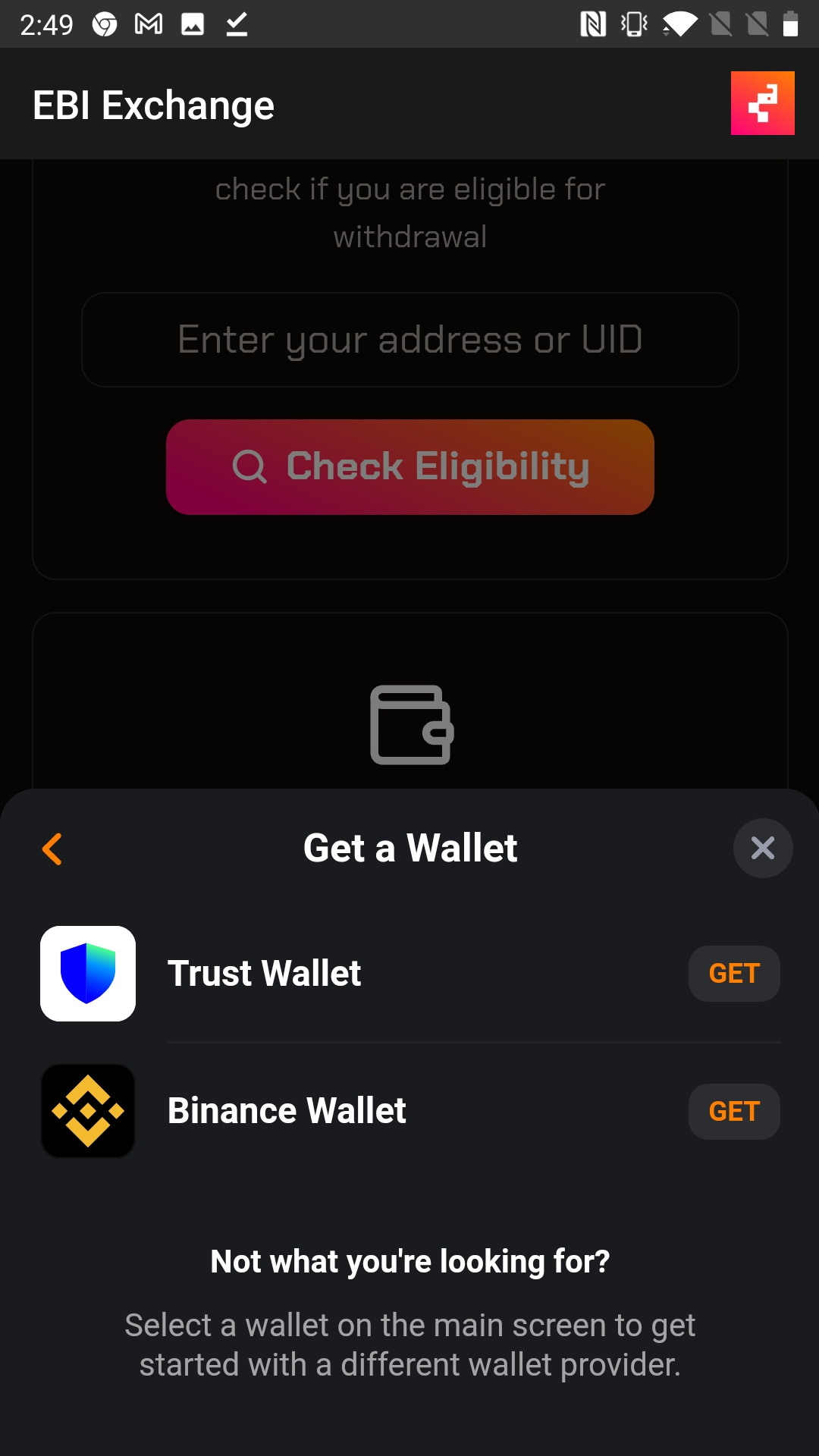
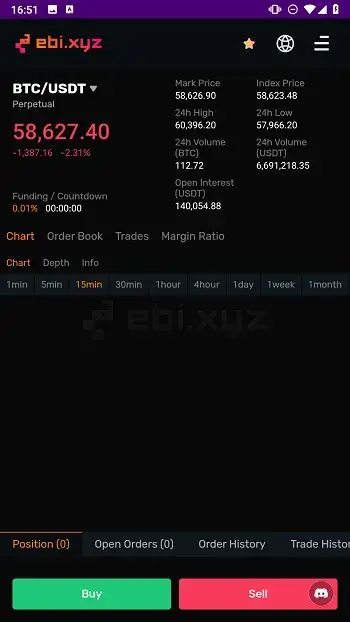
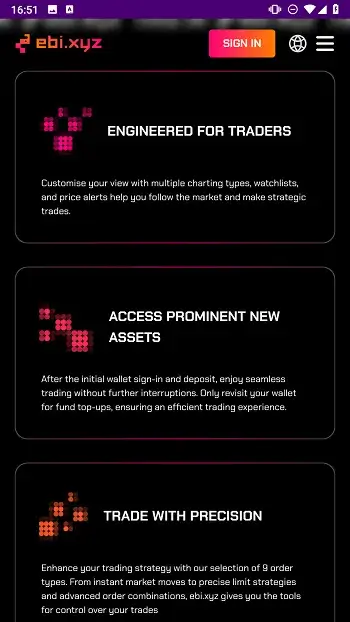
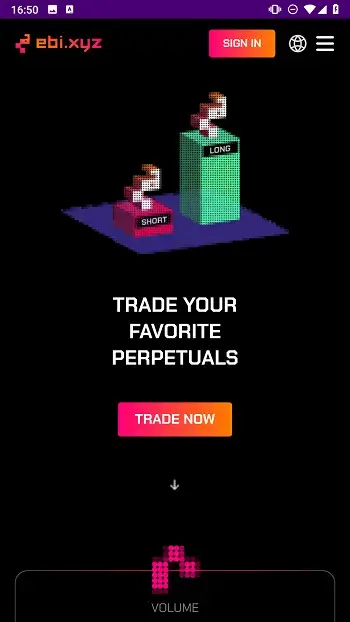
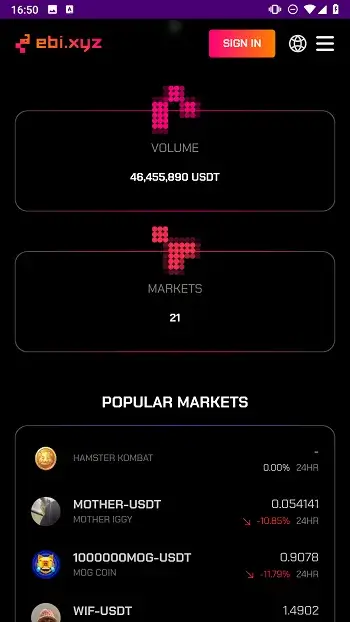

EBI Exchange is an Android application that lets users trade perpetual futures on a decentralized finance (DeFi) platform. It targets traders who prefer mobile access to crypto‑derivative markets without relying on traditional exchanges.
This page provides the latest APK version, installation instructions, basic troubleshooting, and a quick safety overview. All information reflects the official build as of the last review on 31 October 2026.
Quick Information
| App/Game Name | EBI Exchange |
| Latest Version | 5.6 |
| Developer | Not listed |
| Category | Apps / Finance |
| App Size | 1 MB |
| Package Name | com.admin.rbiexchange |
| Last Updated | 6 January 2025 |
What Is EBI Exchange?
EBI Exchange offers a mobile gateway to perpetual futures contracts, allowing users to speculate on price movements of various digital assets. The app connects to a decentralized backend, meaning trades are executed on‑chain rather than through a central server. Core features include:
- Access to perpetual futures markets directly from your phone.
- Real‑time price charts and order‑book depth.
- Wallet integration for depositing and withdrawing crypto assets.
- Basic account management without a mandatory KYC process.
The platform is geared toward experienced traders familiar with crypto derivatives. Because it operates in a decentralized manner, users are responsible for managing their private keys and understanding the risks of leveraged trading.
Compatibility
| Android Version | ✓ Verified — 5.0 and up |
| Architecture (ARM64 / 32-bit) | ✓ Verified — Supports common device architectures |
| Internet Connection | ✓ Verified — May be required for ads, updates, or login |
| Storage Needed | Not Verified |
| OBB/Data Files | Not Verified |
| Root Required | Not Verified |
How to Install
- Enable Unknown sources in your device settings (Settings → Security → Install unknown apps).
- Download the EBI Exchange APK file to your device.
- Tap the downloaded file to launch the installer.
- Follow the on‑screen prompts and tap Install.
- Once installation completes, open the app and set up your wallet.
Troubleshooting
- App not installed: Ensure the APK matches your device’s architecture (ARM vs. x86) and that you have enough storage space.
- Crashes on startup: Clear the app cache (Settings → Apps → EBI Exchange → Storage → Clear cache) and restart the device.
- Login or wallet connection fails: Verify you have a stable internet connection and that any firewall or VPN is not blocking the app’s network ports.
- Features disabled after an update: Some functions may be temporarily unavailable while the backend syncs; give the app a few minutes after launch.
Safety & Security
EBI Exchange is distributed as a standard APK, not a modified build. Even so, always download from a trusted source and scan the file with an antivirus before installing. Review the permissions requested by the app; it should only need network access and storage for wallet files. Because the platform is decentralized, the developer cannot reverse‑engineer or freeze accounts, but users remain fully responsible for protecting their private keys and avoiding phishing sites.
How EBI Exchange Compares
| Feature | EBI Exchange | Coinbase | Binance |
|---|---|---|---|
| Price / Free model | Free app (trading fees apply on‑chain) | Free app, fees per trade | Free app, fees per trade |
| Platform availability | Android only (APK) | Android, iOS, Web | Android, iOS, Web |
| Standout feature | Decentralized perpetual futures | User‑friendly fiat on‑ramp | Largest selection of crypto assets |
| Best for | Traders seeking on‑chain derivatives | Beginners and fiat‑based investors | Advanced traders needing many markets |
Alternatives
If EBI Exchange doesn’t fit your needs, consider these well‑known finance apps:
- Coinbase – A mainstream exchange with a simple mobile UI, strong regulatory compliance, and built‑in fiat gateways.
- Binance – Offers a vast range of spot, futures, and margin products, plus a robust Android app for active traders.
- Kraken – Known for security and a solid futures offering, with a clean Android experience.
- Robinhood – Provides commission‑free stock and crypto trading, ideal for users who want a single‑pane financial dashboard.
Final Verdict
EBI Exchange delivers a niche, on‑chain solution for perpetual futures trading on Android. It’s best suited for users comfortable with crypto wallets and the risks of leveraged derivatives. The app is lightweight (1 MB) and free to install, but remember that all trading activity occurs on the blockchain, so security rests on your own key management. Verify the APK’s integrity before installing and ensure your device meets the basic Android requirements.
Frequently Asked Questions
The app itself is a standard APK, but safety depends on how you manage your private keys and the security of the device you install it on.
The official build runs on Android 5.0 (Lollipop) and newer; earlier versions may encounter compatibility issues.
Yes, a stable internet connection is required for market data, order execution, and wallet synchronization.
EBI Exchange uses a wallet‑based login; you generate or import a crypto wallet directly within the app instead of a traditional account.
The APK does not depend on Google Play Services, so it can be installed on devices without them, provided unknown sources are allowed.
This error often means the APK is incompatible with your device’s CPU architecture, the file is corrupted, or you lack sufficient storage space.
The app itself is free; any fees are charged on the blockchain when you place trades.
A web‑based interface may exist, but the official Android APK is the only version officially documented.